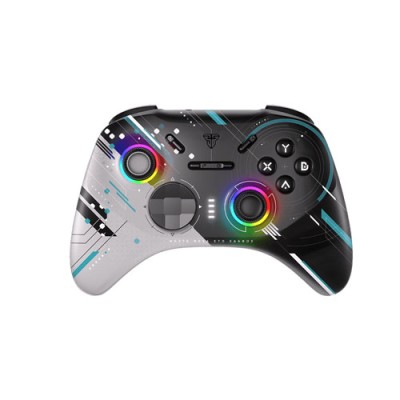
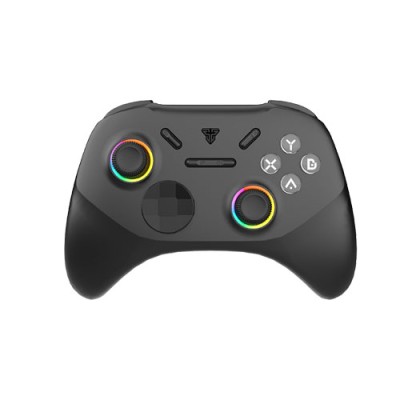
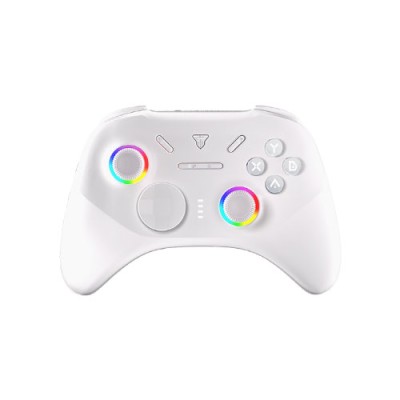
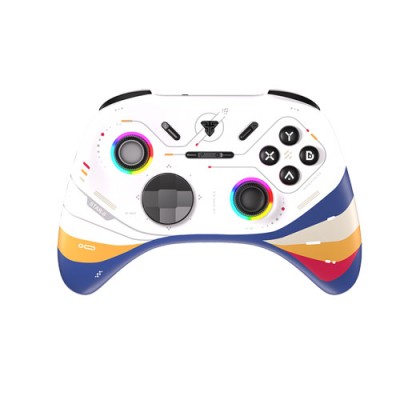
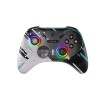
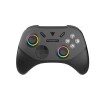
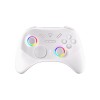
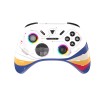
FanTech WGP15V2S EOS PRO II Gamepad price in Bangladesh
The FanTech EOS PRO II WGP15V2S Multi-Platform TMR Wireless Gamepad is a feature-packed controller designed for pro-level gaming across multiple devices, including Windows, Switch, iOS, macOS, tvOS, and Android. It offers ultra-fast 1000Hz polling rate both in wired and wireless modes, ensuring minimal input lag. Built with mechanical Pro S face buttons, D-Pad, and TMR analog sticks, it delivers precise control and durability. Gamers can enjoy customizable features like turbo function, up to 63-key macro support, two mappable rear paddles, and 2-step trigger locks for competitive play. The 360° motion sensor enhances gameplay on supported platforms, while the 3.5mm audio jack adds convenience for wired headsets. With 4-level adjustable rumble vibration and RGB lighting, it blends immersion with style. Powered by a 1000mAh Li-ion battery, this controller is perfect for extended gaming sessions.
How do I connect the FanTech EOS PRO II Gamepad to my PC or console?
The FanTech EOS PRO II Gamepad supports both wired and wireless connections. For wireless play, you can connect it via Bluetooth by simply pairing it with your PC, PS4, PS5, or other Bluetooth-compatible devices. For a wired connection, plug the included USB cable into the controller and your device, and it should automatically be recognized.
Does the FanTech EOS PRO II Gamepad support vibration feedback?
Yes, the FanTech EOS PRO II Gamepad features vibration feedback for a more immersive gaming experience. The strength of the vibration can vary depending on the game you're playing and the settings you've chosen.
Is the FanTech EOS PRO II Gamepad compatible with mobile devices?
Yes, the EOS PRO II Gamepad is compatible with most Android and iOS mobile devices that support Bluetooth. Simply enable Bluetooth on your phone, pair it with the gamepad, and you’re ready to play.
Can I remap the buttons on the FanTech EOS PRO II Gamepad?
Yes, the FanTech EOS PRO II Gamepad allows for button remapping through its software, which is available for both PC and mobile devices. This feature lets you customize the layout to suit your playstyle or game-specific needs.